The Three Essentials
Creating a personalized city map poster requires three pieces of information:
- Date — The day of your special moment
- Time — The time of day (or night)
- Location — Where you were
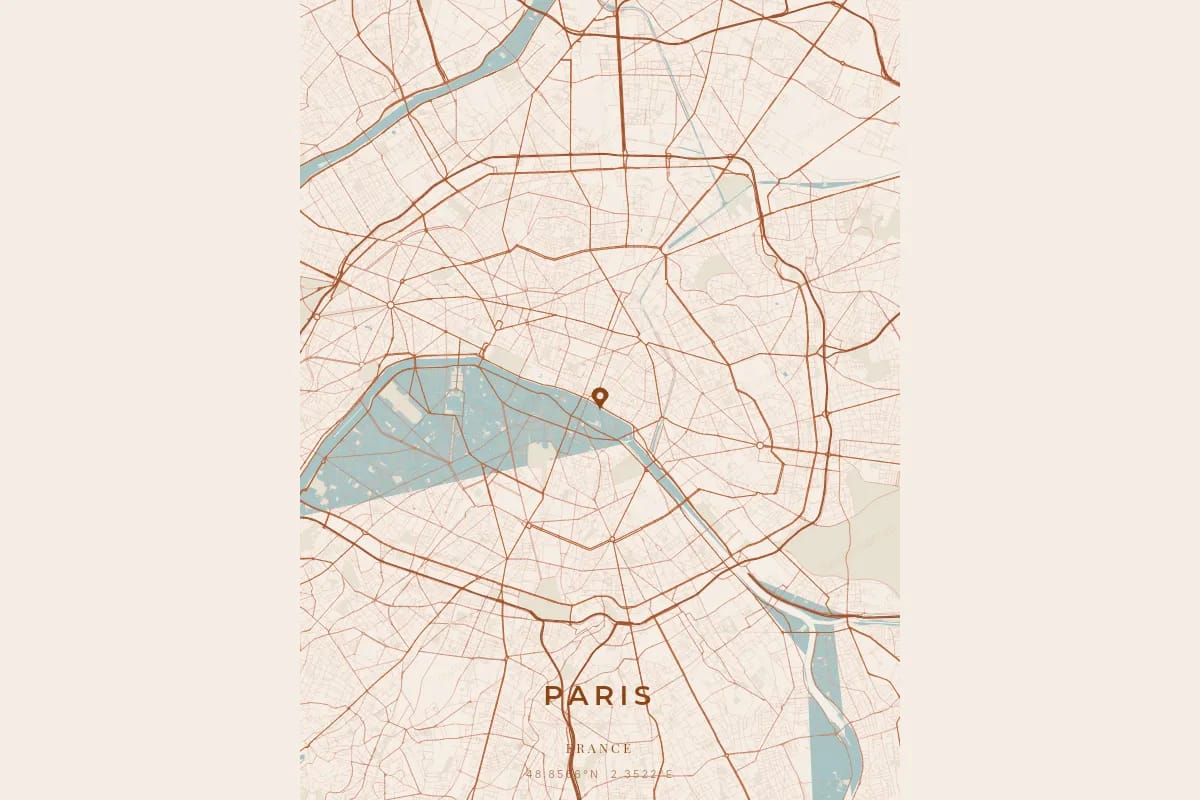
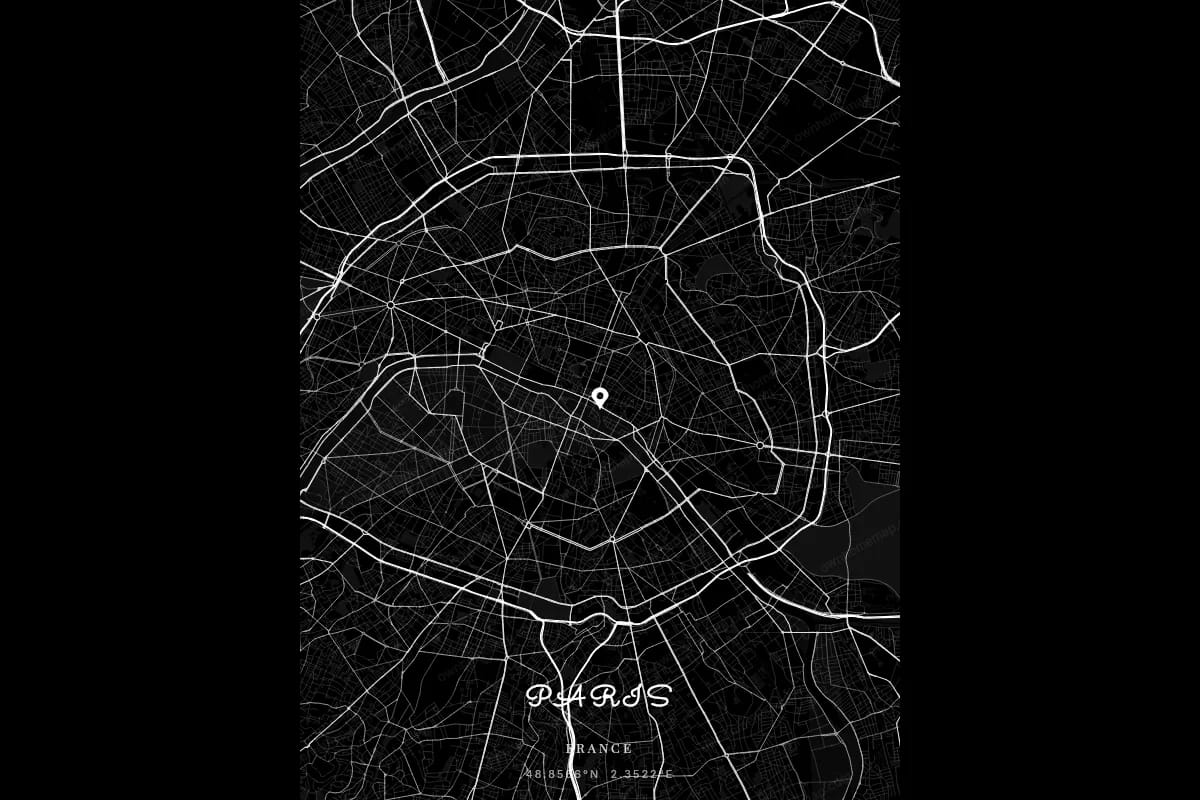
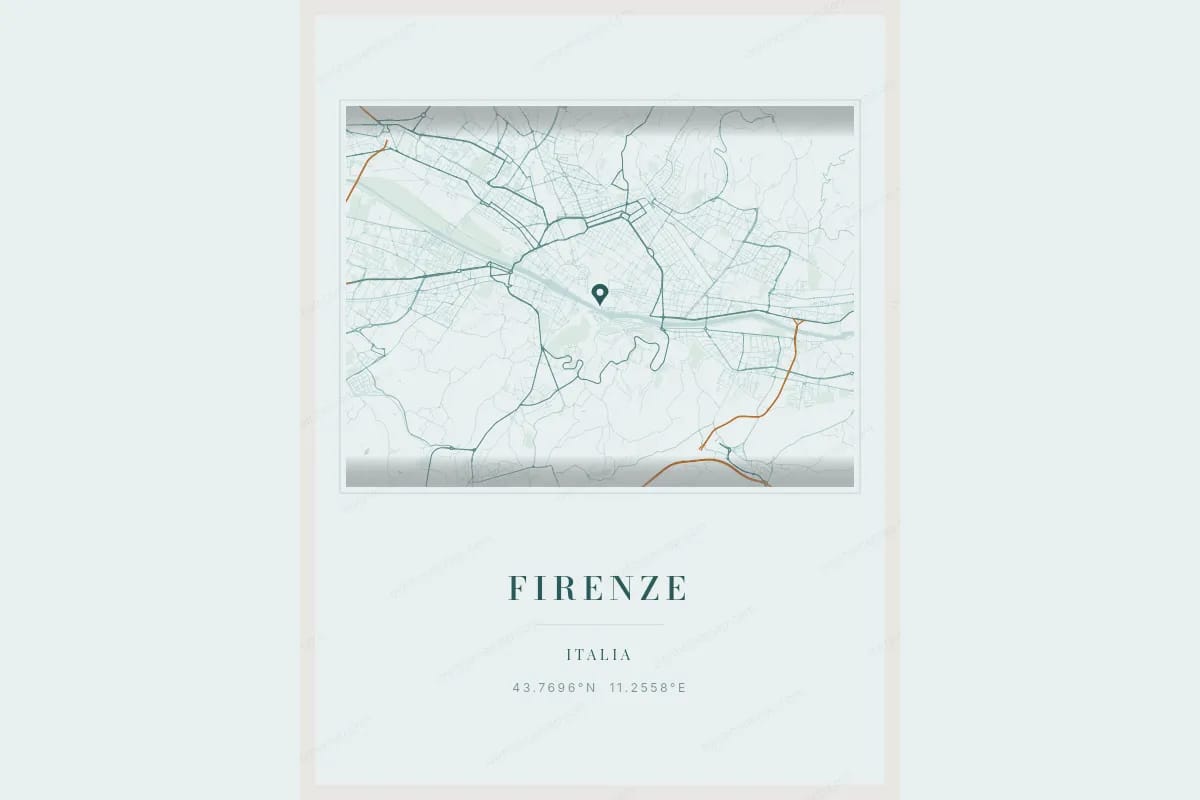
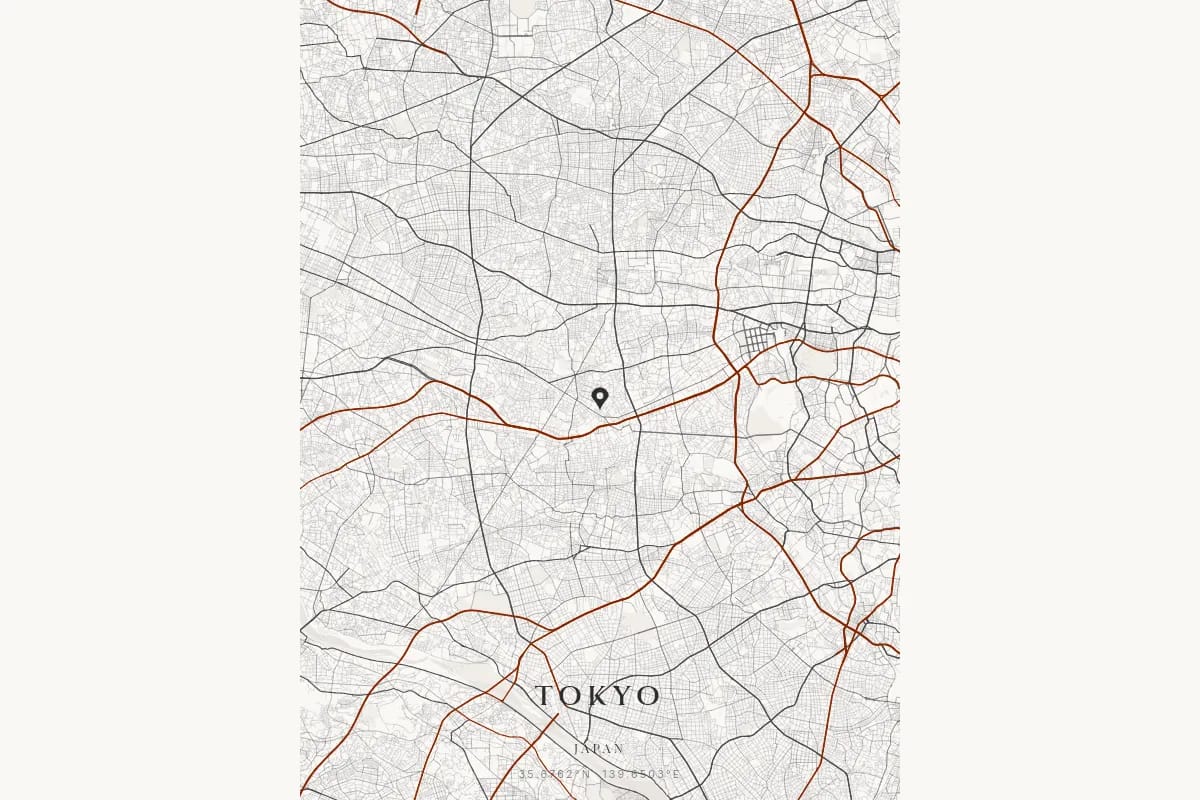
That is it. With these three data points, our proprietary cartographic rendering engine fetches the exact street network, waterways, and parks from high-precision geographic data and renders them into a beautiful, cartographically accurate poster of the city as it exists at your chosen location.
Let's go through each one and how to find them.
1. The Date
The date is usually the easiest piece to nail down. Most people create city map posters for moments they remember clearly:
- A wedding date
- A birthday or birth date
- The day you met your partner
- A graduation date
- The day a loved one passed
For most of these, the exact date is either in your memory or easily verifiable.
How to find it if you are not sure:
- Check your calendar or planner from that year
- Look at social media posts or photo timestamps
- Ask family members or friends who were there
- Check official documents (marriage certificate, birth certificate)
The date anchors your city map poster in a specific moment and gives meaning to the inscription. Getting the right date matters for the personal story behind your poster.
2. The Time
The time is used in the inscription of your city map poster and helps anchor the memory to a precise moment. The city's street network does not change based on the time of day, but knowing when your moment happened makes the poster deeply personal.
How Precise Does the Time Need to Be?
As close as you can get is ideal, but do not stress about being exact to the minute. The time appears on your poster as part of the inscription, alongside the date and location. Even an approximate time (morning, afternoon, evening) works perfectly.
How to Find the Exact Time
For births:
- Birth certificates almost always include the time of birth
- Hospital records or baby books
- Ask the parents — most remember
For weddings:
- Check the invitation or order of service for ceremony time
- Look at photo timestamps (see the EXIF data trick below)
- The photographer's timeline or contract often specifies times
For first dates and meetings:
- Check text messages or chat history from that day — the timestamps reveal when you were making plans
- Look at restaurant or bar receipts
- Check ride-sharing app history (Uber, Lyft) for pickup times
- Social media check-ins
The EXIF data trick: Most smartphone photos contain hidden metadata including the exact date, time, and GPS location. Here is how to access it:
- iPhone: Open the photo, swipe up, and the date/time/location appear
- Android: Open the photo, tap the info icon (i) or check Details
- On a computer: Right-click the photo file, select Properties (Windows) or Get Info (Mac), and look for Date Taken
This is one of the most reliable ways to find the exact time of any event you photographed.
3. The Location
The location determines which city map is rendered. Someone in Paris and someone in Tokyo get entirely different street networks, waterways, and parks.
How Precise Does the Location Need to Be?
Less precise than you might think:
- Same city — More than sufficient. Two locations 10 km apart in the same city produce very similar city map posters, centered slightly differently.
- Same region — Similar urban patterns, but different street networks and landmarks.
- Same country — Noticeably different maps. Every city has its own unique layout.
- Different continents — Completely different maps. This is where the uniqueness of every city truly shines.
For most purposes, knowing the city is enough. You do not need the exact street address.
How to Find the Location
For events at a specific venue:
- Search the venue name on Google Maps
- Look up the address on the wedding invitation, birth announcement, or event details
- Check the venue's website
For births:
- The hospital name and city are usually well-known and documented
- Birth certificates include the city
For spontaneous moments:
- Check photo EXIF data (includes GPS coordinates)
- Look at Google Maps timeline if you had location history enabled
- Check social media check-ins or tagged locations
- Look at ride-sharing or food delivery app history for addresses from that day
For moments abroad:
- Check flight bookings or hotel reservations for the city
- Look at passport stamps for entry dates
- Check credit card statements for location clues
Does the Time Zone Matter?
Not for the map itself — the city's streets look the same regardless of time zone. However, the time zone is relevant for the inscription on your poster. When you enter a location in our city map poster designer, we automatically determine the correct time zone so your inscription displays accurately.
What About the Inscription?
Beyond the three essentials, you will want to add a personal inscription — the text that appears on your city map poster and gives it meaning.
The inscription typically includes:
- A short phrase or sentence capturing the moment
- The date (formatted nicely)
- The location name
Some examples:
- "The night we met — September 12, 2020, Brooklyn"
- "Welcome to the world, little one — April 3, 2024, Lyon"
- "The streets around us when I said yes"
The inscription is what turns a city map into a personal keepsake. Take a moment to think about what you want to say. Our detailed guide on what to write on a city map poster can help with inspiration.
Tips for Surprising Someone
If the city map poster is a surprise gift and you need to find the date, time, or location without raising suspicion, here are some subtle strategies:
For a partner
- Casually bring up the memory in conversation: "Do you remember what time our wedding ceremony started?"
- Look through shared photo albums for timestamps
- Ask a mutual friend who was there
- Check your own messages or calendar from that period
For a parent (birth city map poster)
- Ask about the birth story — parents love telling it. They will often mention the time naturally.
- Check your birth certificate
- Ask a sibling to ask, so it does not seem suspicious
For a friend
- Bring up the shared memory and ask details: "What time did we get to that concert?"
- Check group chat history from around that date
- Look at social media posts from the event
The key is to be casual. Most people do not suspect that you are gathering information for a gift.
Ready to Create Your City Map Poster?
Now you have everything you need:
- Your date — the day it happened
- Your time — as close as you can get
- Your location — the city is enough
Head to our city map poster designer, enter your details, and watch the city from your moment appear on screen. Customize the design, add your inscription, and your personalized city map poster — built on high-precision cartographic data with a detailed street network — is ready.
The whole process takes about five minutes. The memory it captures lasts forever.
Ready to capture your special moment?
Create a personalized city map poster in minutes.
Create my poster — from €12.00