Can You Make a City Map Poster Yourself?
The short answer is yes. The longer answer is: it depends on what you want it for.
If you want to explore the street layout of a city from above, free tools can absolutely do the job. But if you want a beautiful, high-resolution poster to frame and hang on your wall — or to give as a meaningful gift — the DIY approach runs into real limitations fast.
This guide walks you through the main ways to create a city map poster yourself, what you can realistically expect from each method, and when it makes sense to go with a professional service instead.
Free DIY Methods for Creating a City Map Poster
OpenStreetMap (Free Web Map Data)
OpenStreetMap is the gold standard of free, open geographic data. It is a community-maintained map of the entire world, and its data powers countless mapping applications.
How to use it for a city map poster:
- Visit openstreetmap.org and navigate to your city
- Use the "Export" feature to download map data for a specific area
- The raw data includes streets, waterways, parks, and building outlines
- You can take a screenshot or export the tile view for a basic poster
What you get: Accurate, up-to-date geographic data covering every street, river, park, and landmark. OpenStreetMap is maintained by a global community of contributors and is trusted by developers and cartographers worldwide.
The catch: OpenStreetMap is designed as a map database, not a poster designer. The default rendering looks like a standard web map, not wall art. You cannot add personalized text, choose artistic styles, or export at print-ready resolution without additional tools and significant effort.
Mapbox Studio (Free Tier, Custom Map Styling)
Mapbox Studio at studio.mapbox.com lets you create beautifully styled maps directly in your browser, using OpenStreetMap data as the foundation.
How to use it for a city map poster:
- Create a free Mapbox account (the free tier is generous)
- Open Mapbox Studio and start with a template or build a custom style
- Adjust colors for roads, water, parks, backgrounds, and labels
- Navigate to your chosen city and zoom to the desired level
- Export a static image via the Mapbox Static Images API
What you get: A professionally styled map with full control over colors, typography, and which features are visible. Mapbox offers dark themes, minimalist styles, and artistic options that look far better than default web maps.
The catch: The free tier limits export resolution. Getting a true print-ready image (300 DPI at poster size) requires workarounds or a paid plan. Adding personalized text, borders, and poster-style layouts still requires a separate design tool like Figma or Photoshop. The learning curve is moderate.
QGIS (Free Desktop GIS Software)
QGIS is a powerful, free, open-source Geographic Information System available on Windows, Mac, and Linux. It can import OpenStreetMap data and produce highly customized map renders.
How to use it for a city map poster:
- Download QGIS from qgis.org
- Use the QuickOSM plugin to import street, water, and park data for your city
- Style each layer independently — road colors, line thickness by road type, water fills, park shading
- Set up a print layout with title text, coordinates, and borders
- Export as a high-resolution PNG or PDF
What you get: Complete creative control over every cartographic detail. You can set road hierarchy (motorways thicker than residential streets), choose exact colors for every layer, and export at any resolution. QGIS is the tool that professional cartographers use.
The catch: QGIS has a steep learning curve. It is professional GIS software, not a consumer-friendly poster maker. Expect to spend several hours learning the interface, importing data, and troubleshooting styling issues. The results can be stunning, but the process is anything but quick.
Felt (Collaborative Online Map Maker)
Felt at felt.com is a modern, browser-based map maker designed for simplicity. It lets you create, style, and share maps without installing any software.
How to use it for a city map poster:
- Create a free Felt account
- Start a new map and navigate to your city
- Choose from built-in style presets or customize colors
- Add annotations, labels, and highlights
- Export or take a high-quality screenshot
What you get: A clean, modern-looking map that is easy to create. Felt is intuitive enough that anyone can produce a decent result in under an hour. It is great for quick experiments and exploring what a city map looks like.
The catch: Felt is designed for collaborative mapping, not poster production. Export options are limited, resolution may not be sufficient for large prints, and the design flexibility does not match dedicated tools like QGIS or Mapbox Studio. Adding poster-style text and borders requires external editing.
The Screenshot-and-Print Method
Some people take a screenshot from any of the above tools, paste it into a document editor, add text, and print it at home or at a copy shop.
What you get: A quick, free result that can be fun as a personal experiment.
The catch: Screenshots are typically 72-150 DPI — far below the 300 DPI required for crisp printing. Text added in a document editor rarely looks professional. The final result often has visible pixelation, uneven margins, and no color consistency. It works for a fridge magnet, not for a framed gift.
The Honest Pros of DIY
Let's give credit where it's due. DIY city map posters have genuine advantages:
- Free or nearly free — the only cost is your time (and maybe printer ink)
- Educational — using QGIS or Mapbox Studio teaches you real cartography and GIS skills
- Exploratory — you can pan around the map, zoom into neighborhoods, toggle different layers
- Immediate — no waiting for delivery; you have results in minutes (or hours, depending on the tool)
- Fun — there is genuine joy in discovering the street patterns and hidden waterways of a city you love
If your goal is to learn about cartography or satisfy a curiosity, DIY tools are excellent. No one needs to spend money just to see what their city's street network looks like from above.
The Real Limitations of DIY
When the goal shifts from exploring to creating something beautiful, DIY methods fall short:
- Low resolution — screenshots and free exports are not print-ready; enlarging them causes blurring and pixelation
- No design control — most tools cannot change fonts, add elegant borders, or create poster-style layouts without extra software
- No personalized text — free tools have no option to add a custom message, date, or location label in a beautiful format
- Limited styling — free tools show streets and features in fixed or limited styles; matching a specific interior aesthetic takes hours of tweaking
- Not gift-ready — a printed screenshot does not have the presentation quality of a professionally designed poster
- No print quality guarantee — colors look different on screen vs. paper; without color profiles, the result is unpredictable
- Time-consuming — getting a polished result requires hours of tweaking, exporting, and troubleshooting across multiple tools
What a Professional City Map Poster Service Offers
Professional city map poster services like OwnHomeMap solve every limitation listed above. Here is what you get:
Cartographic Accuracy
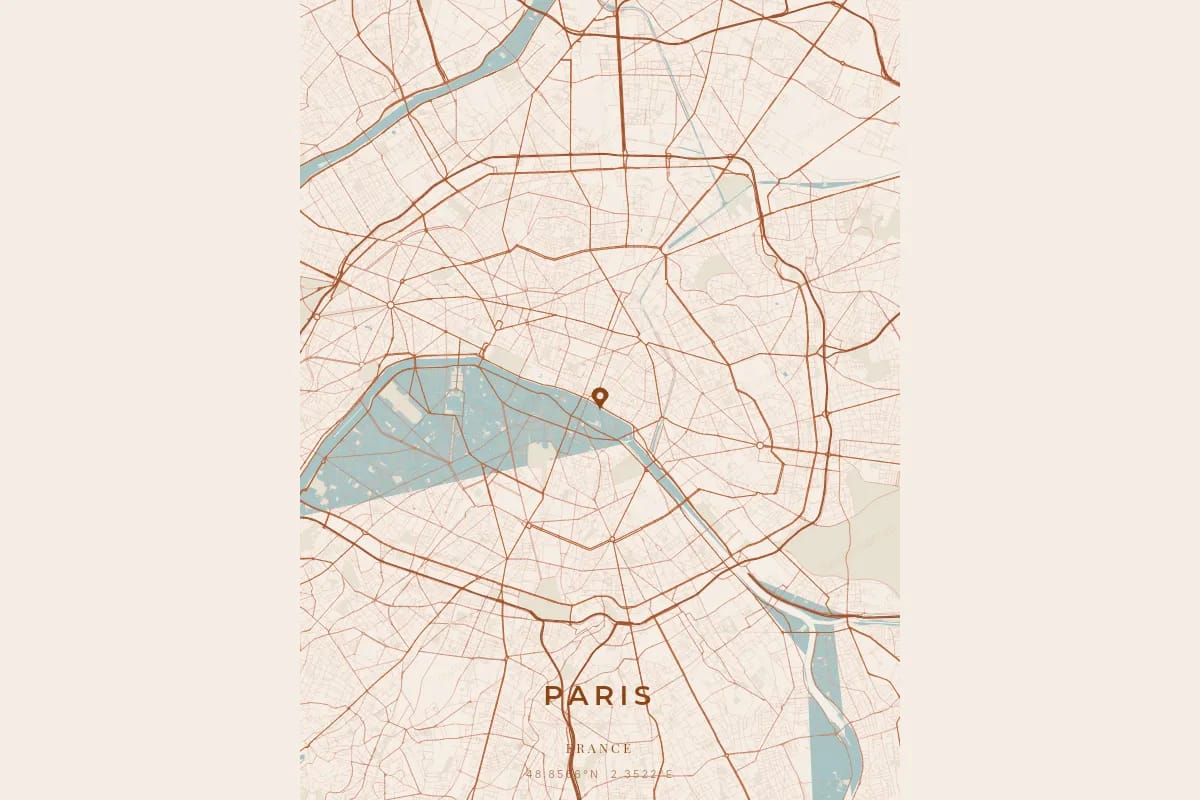
OwnHomeMap is powered by our proprietary cartographic rendering engine, drawing on high-precision geographic data to render the complete street network of any city on Earth. Every road is drawn according to its real hierarchy — motorways and trunk roads are prominent, primary and secondary roads are mid-weight, and residential streets form the fine texture that gives each city its unique fingerprint. Waterways, parks, and green spaces are rendered as distinct layers, creating a rich and accurate portrait of the urban landscape.
Design Quality
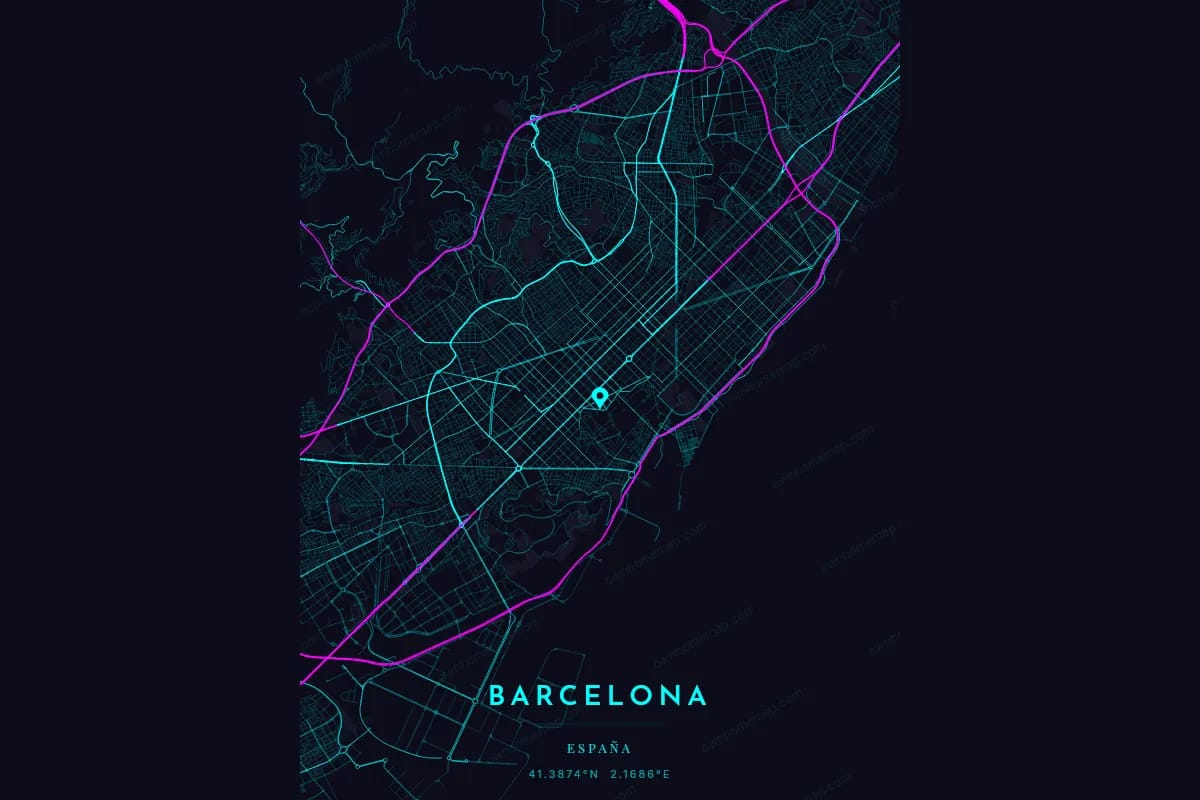
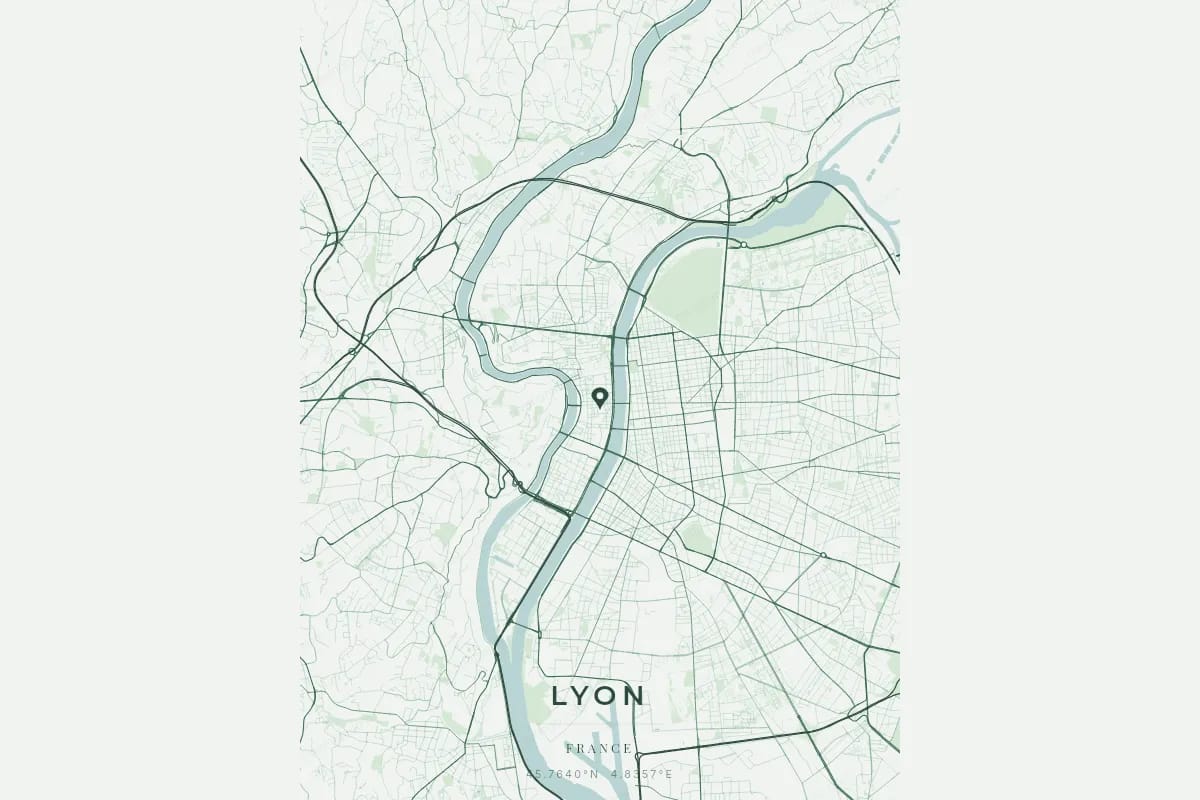
You choose from 17 visual themes — from terracotta and midnight blue to neon cyberpunk and Japanese ink. Every element is designed for high-resolution printing at 300 DPI or above. The result looks like professional wall art because it is professional wall art.
Personalization
Add a custom message, the city name, geographic coordinates, and choose how the streets and neighborhoods are displayed. This is what transforms a map export into a meaningful keepsake. A city map poster that says "The streets where we fell in love — Paris, June 2019" tells a story that a generic screenshot never could.
Print and Framing Options
Choose from multiple sizes — from US Letter for desks to 18x24 inches for feature walls. Order a high-resolution digital file for local printing, or select a professionally printed and framed version delivered to your door.
DIY vs Professional: Side-by-Side Comparison
| Feature | DIY (Free Tools) | Professional (OwnHomeMap) |
|---|---|---|
| Price | Free | Starting at 12 EUR |
| Map accuracy | Good (OpenStreetMap data) | Excellent (proprietary engine with high-precision data) |
| Street detail | Varies by tool and zoom level | Full road hierarchy with weighted rendering |
| Resolution | 72-150 DPI (screen) | 300+ DPI (print-ready) |
| Design options | Limited or none | 17 themes, multiple fonts and layouts |
| Custom text | Manual workaround | Built-in, beautifully formatted |
| Layer styling | Requires GIS knowledge | One-click theme selection |
| Print quality | Unpredictable | Calibrated for professional printing |
| Framing options | Do it yourself | Available with order |
| Gift-readiness | Low | High — arrives ready to give |
| Time to create | 1-6 hours | 5 minutes |
When DIY Makes Perfect Sense
Choose DIY when:
- You want to learn cartography and explore map data interactively
- You are satisfying a curiosity — "What does the street network of my hometown look like from above?"
- You are making a casual personal project and do not need print quality
- You want to experiment with GIS tools like QGIS for professional development
- You enjoy the process of building something from scratch
In these cases, QGIS is your most powerful option, and Mapbox Studio offers the best balance of ease and visual quality. Download them, explore them, and enjoy the experience.
When Professional Makes the Right Choice
Choose a professional service when:
- You are creating a gift for someone you love — a birthday, wedding, anniversary, or housewarming
- You want wall art that looks stunning for years
- You need personalized text that makes the moment specific and meaningful
- You want a hassle-free experience — design it in minutes, receive it ready to display
- You are ordering for a special occasion and want it to feel premium
- You want consistent, high-quality printing with accurate colors
The difference between a DIY city map poster and a professional one is the same difference between a phone photo and a framed portrait. Both capture the subject — but only one belongs on the wall.
Make Your City Map Poster
Whether you go the DIY route or choose a professional service, what matters is the intention behind it. A city map poster — in any form — is a reminder that every city has a unique pattern of streets, rivers, and parks that tells a story about the place that matters to you.
If you want to explore the map, fire up QGIS or Mapbox Studio. If you want to create something beautiful, meaningful, and ready to frame, design your city map poster on OwnHomeMap. It takes less than five minutes, and the result is something you will be proud to give — or to keep. Need inspiration for what to create? Check out our personalized gift ideas guide.
Ready to capture your special moment?
Create a personalized city map poster in minutes.
Create my poster — from €12.00